
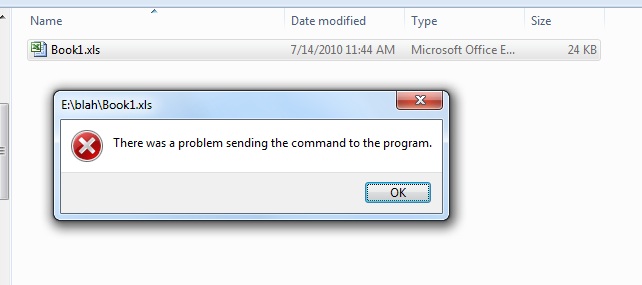
Error opening Excel files after installing Live Office
I’ve had this error pop up while trying to open Excel files (Excel 2007) after installing Live Office on several machines where it says “There was a problem sending the command to the program“. A couple other people ran into the same issue, so I’d like to post a quick solution. 1. Open the Excel program 2. Go to Excel Options 3. Go to Advanced 4. Go to General 5. Make sure...
July 23rd, 2010 by David Lai

Using Filtered Rows instead of VLOOKUP
This article talks about using the filtered rows technique instead of a VLOOKUP. Not until Xcelsius 2008 came out, were we able to filter on multiple rows of data that matched 1 entry. So in order to accomplish this we would either have to use VLOOKUP or INDEX MATCH. Using this technique was very cumbersome and although filtered rows has been available for a while, I have been on a couple engagements...
July 2nd, 2010 by David Lai
About David Lai

SAP BusinessObjects Dashboards 4 Cookbook


